Run AI models on your own computer
Download an open model and chat with it on your laptop or server, with no data sent to a cloud.
For anyone who wants to chat with an AI model with no data sent to a cloud. Start with one engine and one chat app. The rest are for faster models or bigger hardware.
01Start here2 picks
02Chat apps4 picks
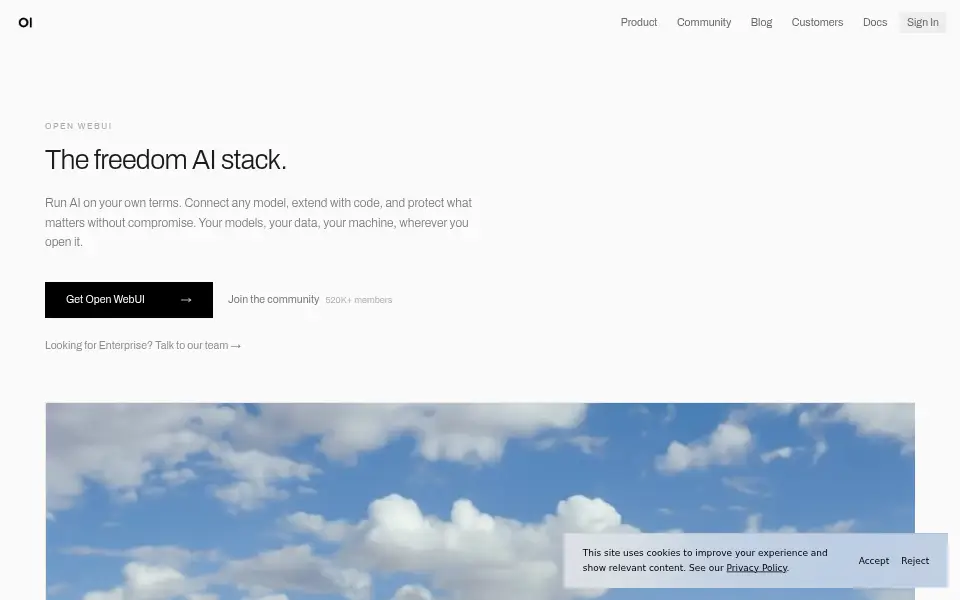
- Open WebUIopen-webui/open-webui
Pick this for a ChatGPT-style web app on top of Ollama.
Web · Docker / self-host · Custom (read before use) · active 3 days ago · ★ 157k
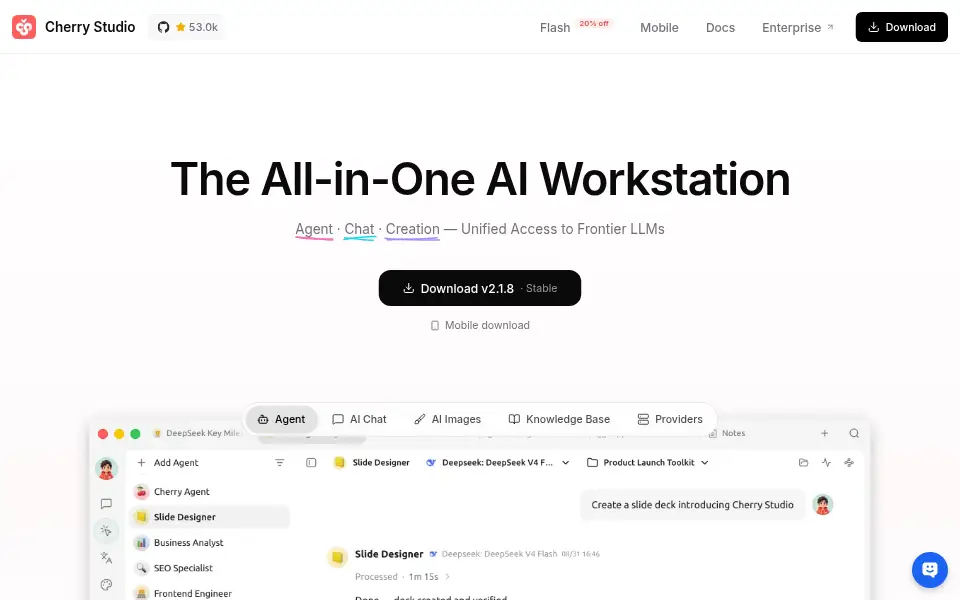
87worth - Cherry StudioCherryHQ/cherry-studio
Pick this for a desktop app that mixes local and cloud models.
Desktop · AGPL-3.0 · active yesterday · ★ 53k
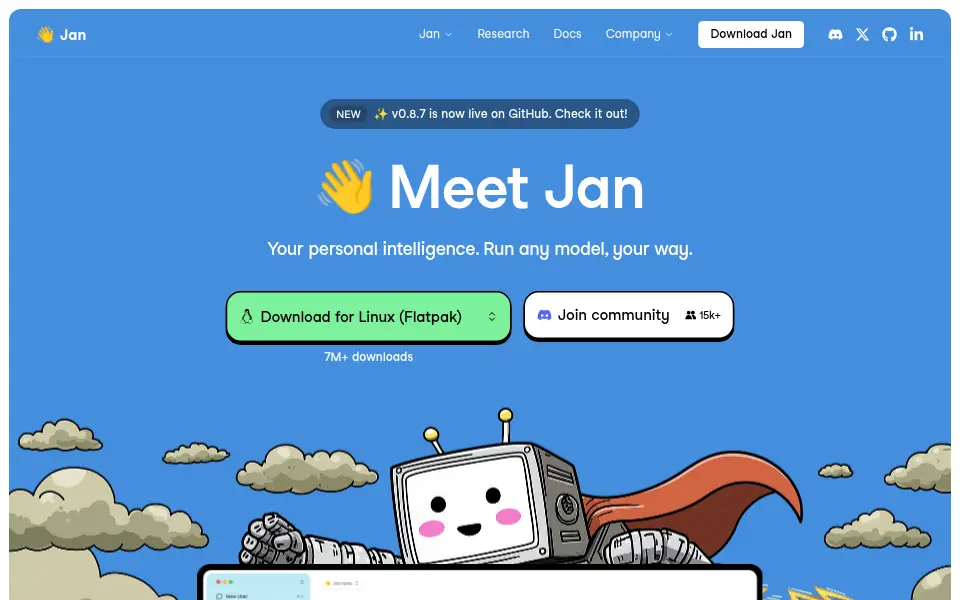
86worth - Janjanhq/jan
Pick this for a simple desktop app that downloads and runs models for you.
Desktop · Custom (read before use) · active 2 days ago · ★ 45k
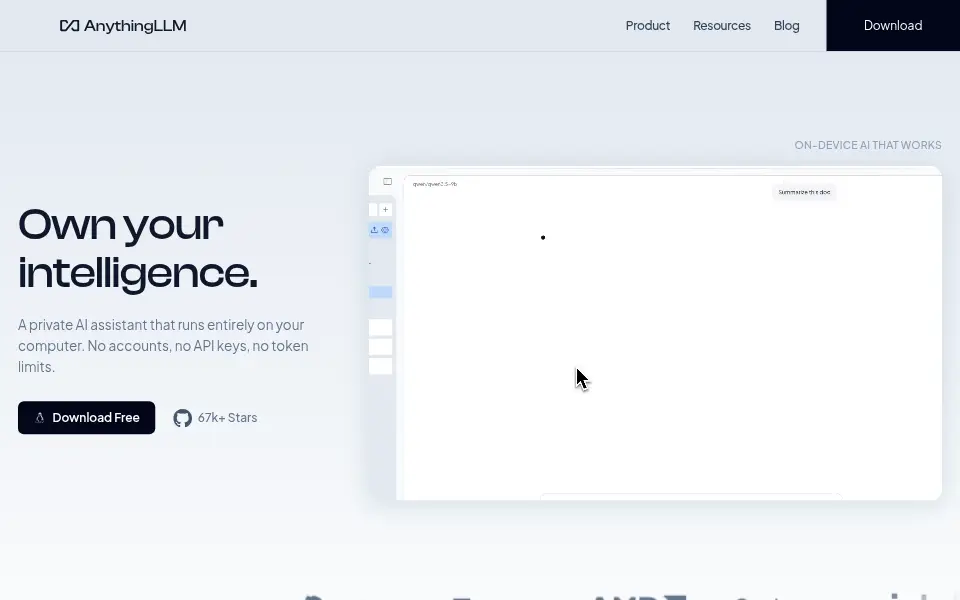
76worth - AnythingLLMMintplex-Labs/anything-llm
Pick this to chat with your own documents.
Docker / self-host · Desktop · MIT · active yesterday · ★ 68k
86worth
03Engines4 picks
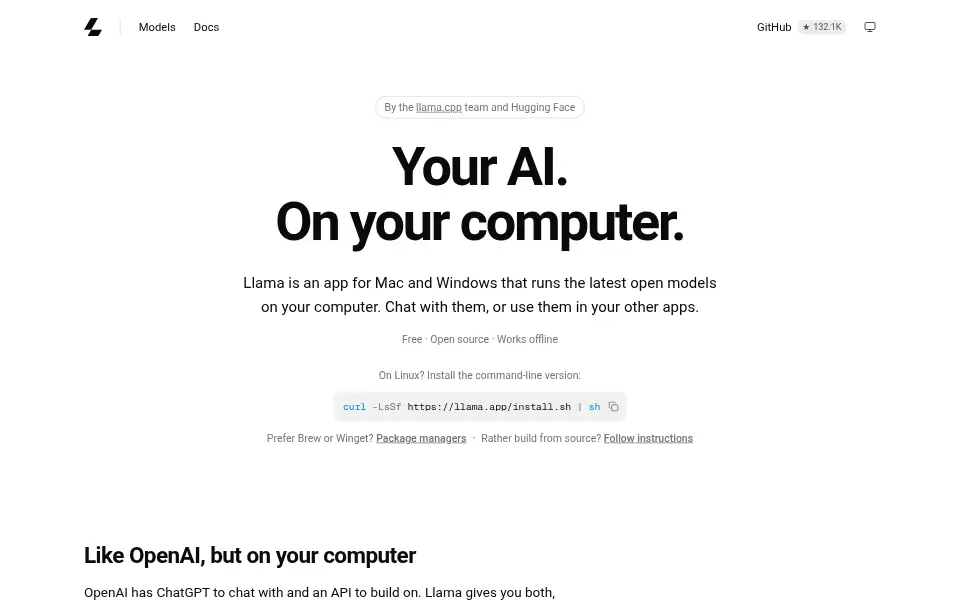
- llama.cppggml-org/llama.cpp
The engine under most local tools. Pick it for full control.
CLI · Library / SDK · MIT · active 22 hours ago · ★ 133k
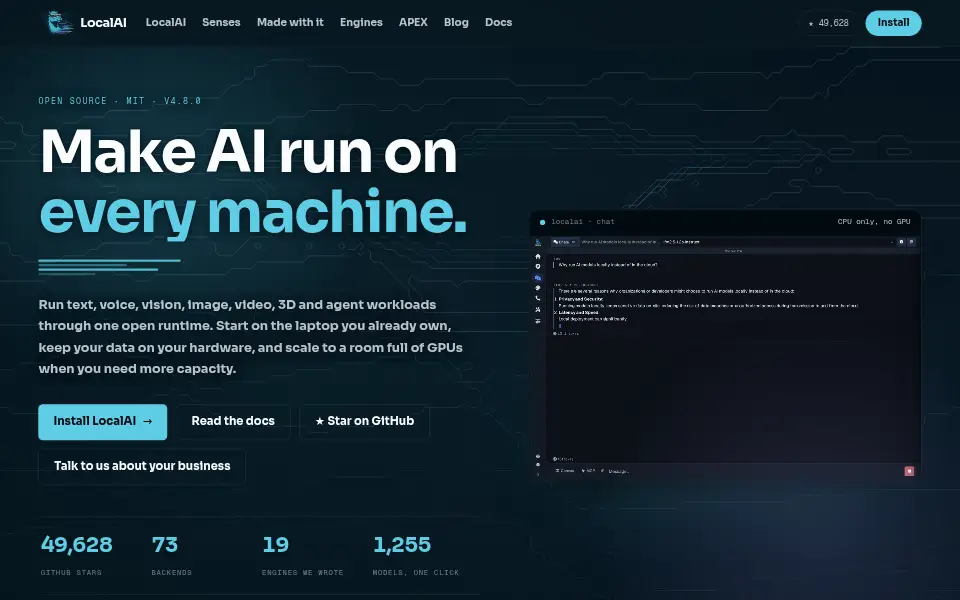
90worth - LocalAImudler/LocalAI
Pick this to replace the OpenAI API with a local server.
Docker / self-host · MIT · active yesterday · ★ 50k
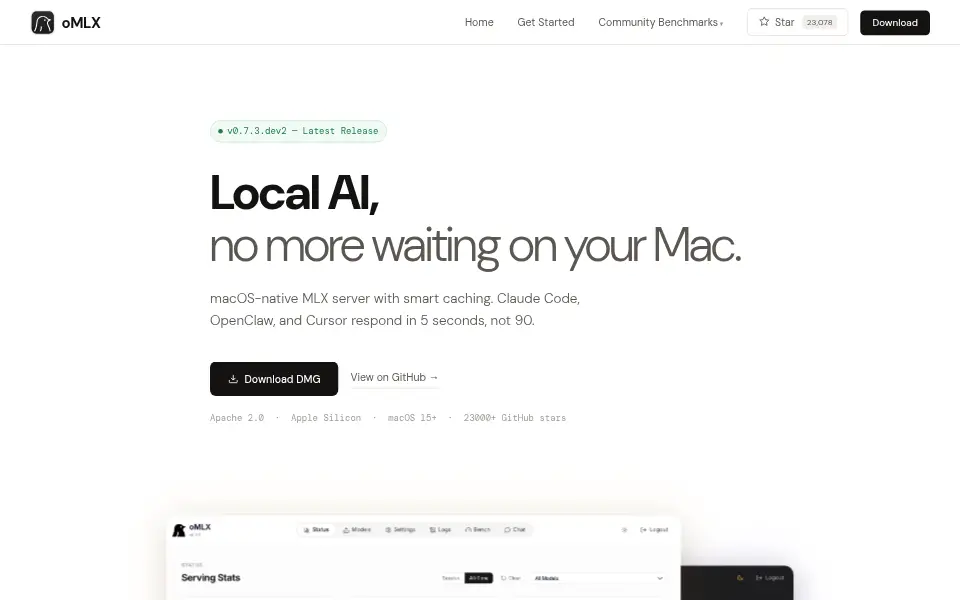
87worth - oMLXjundot/omlx
Pick this on Apple Silicon Macs for the best speed.
Desktop · Apache-2.0 · active 2 days ago · ★ 23k
87worth - AirLLMlyogavin/airllm
Pick this to try very large models on a small GPU, slowly.
Library / SDK · Apache-2.0 · active 2 days ago · ★ 41k
83worth
More in AI tools by job
Add-ons that make your coding agent better
Memory, token savers, specs and skills that make Claude Code, Codex and other coding agents faster and cheaper.Inside: Claude-Mem, RTK, Headroom + 7 moreOpen-source AI coding agents to try first
Coding agents you can read, change and run with the model you choose, in the terminal, the editor or the browser.Inside: OpenCode, Codex CLI, Gemini CLI + 5 moreAI tools for testing web apps and AI features
Let an AI agent click through your web app, write browser tests, or check the answers your own AI feature gives.Inside: Playwright MCP, playwright-cli, Chrome DevTools MCP + 7 moreOther groups
See every project in this category on Explore →Missing a project? Suggest it →
How we pick
An editor picks 6 to 12 projects for one job and writes when to choose each one. Every pick had a commit in the last 6 months. It is not archived. Its worth score is 60 or more. An editor breaks a rule only for a reason, and writes that reason in the pick's note. We check every list again each quarter. A pick goes when it breaks a rule or a clearly better project appears.